Switching from Vyapar, Busy or Marg?
Export your item and party lists to Excel, match the columns, and your stock and balances are in BillingPoint, ready for your first bill.
Free demo · No card needed · We help you switch
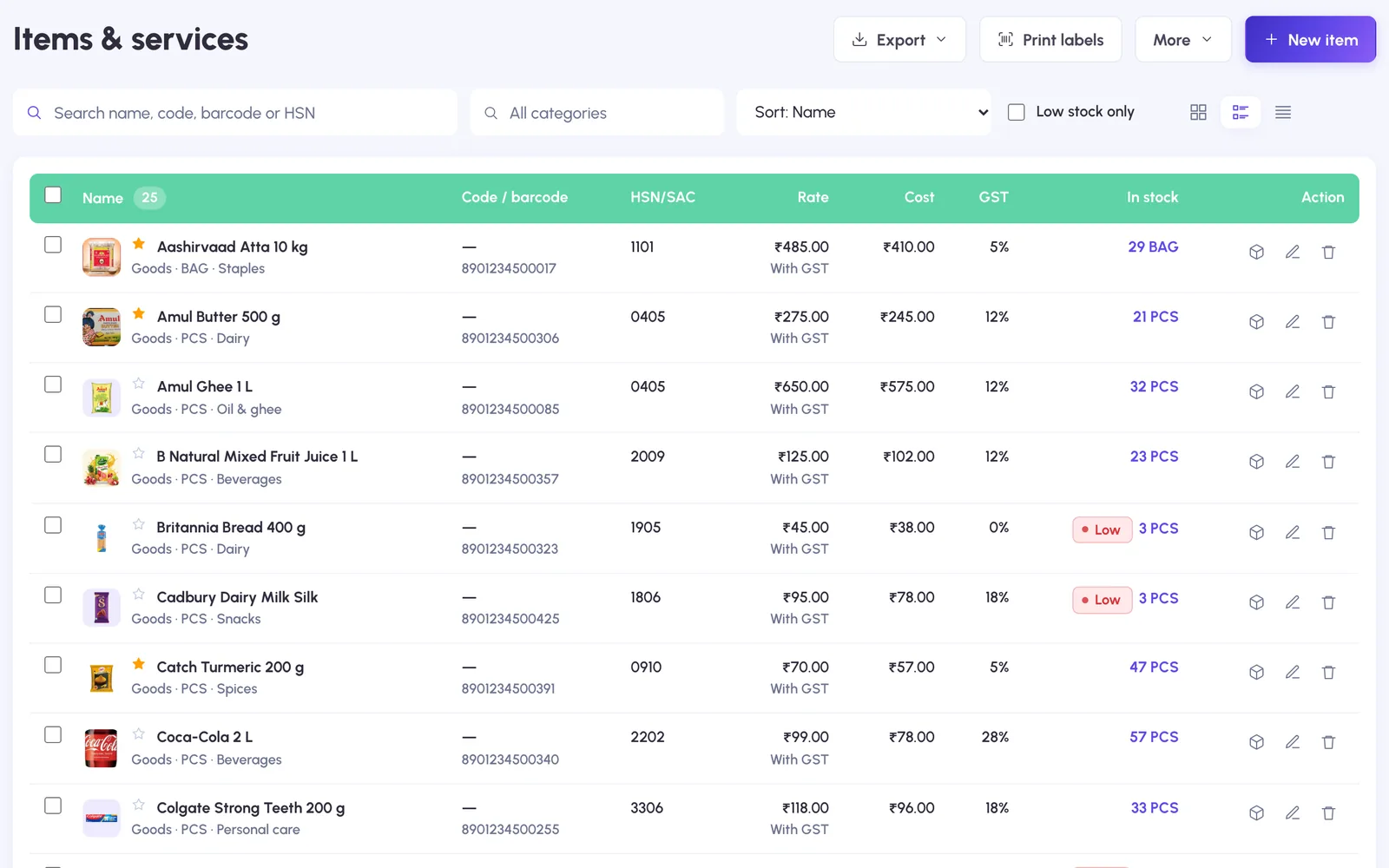
Move your data from Vyapar
Items, customers and suppliers, with opening stock and balances. No retyping.
- 1
Export your lists to Excel
Save your item list and party list from your current software as Excel or CSV files.
- 2
Import into BillingPoint
Upload each file and match its columns. Opening stock and opening balances come across too, and every row is checked before import.
- 3
Start billing
Continue your invoice numbering and make your first bill, from the counter or your phone.
Why shops move to BillingPoint
Fast counter billing
Scan, tap a favourite or search with photos; rate, HSN and GST fill in.
Udhaar and reminders
Customer dues with ageing, statements and WhatsApp reminders.
Your own online store
A catalogue link customers can order from, turned into bills in a click.
Hindi and English
Counter staff can use the whole app in Hindi.
More than one business
Several firms under one login, each with its own GSTIN and series.
Never locked in
Export CSV lists, Tally vouchers or a full backup whenever you want.
Will my opening stock and balances come across?
Yes. Include them in the Excel or CSV file and they are imported with the items and parties.
Can I continue my invoice numbers?
Yes. Set the next number for your invoice series and BillingPoint continues from it.
Does it work on Android phones?
Yes. Open billingpoint.in in the phone browser and sign in; the Play Store app is on its way.
Can you help me switch?
Yes. Book a free demo and share your files; we set up your items, customers and letterhead for you.
We move your data for you
Book a free demo, send us your Vyapar or Excel file, and your items and customers are ready before your first bill.