POS billing software for supermarkets and retail stores
Fast barcode billing on every counter, a customer display, bills held and picked up on any counter, and a cash count at the end of every shift.
Free demo · No card needed · Works offline
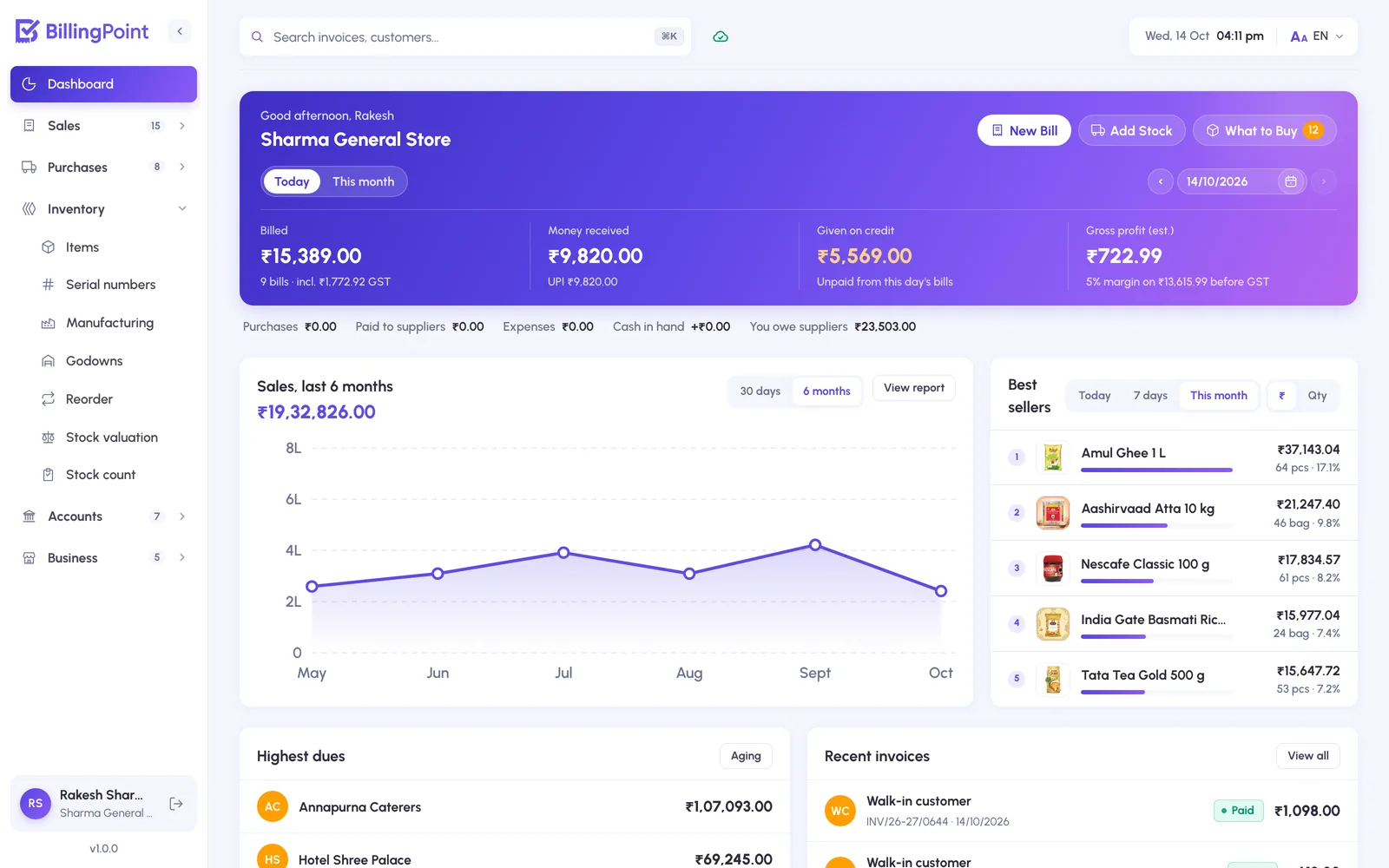
What changes on day one
Long queues at busy hours
Scan, take the payment and print, in seconds. A customer who forgot something has their bill held while the next one is served, on any counter.
Who handled the cash?
Each cashier signs in with their own login and role. Cash closing at the end of each shift shows exactly what should be in the drawer.
Stock that never matches
A physical stock-take snapshots the books, staff count over as many sittings as needed, and posting corrects every item that differs.
Built for supermarkets & retail stores
Plus GST invoices with e-Invoice and e-Way bill, purchases, expenses, reports, staff logins and WhatsApp sharing, on every plan.
Barcode billing
USB scanners or the phone camera, on as many counters as you run.
Hold and resume bills
Park a bill on one counter, finish it on another.
Customer display
A second monitor shows the customer their bill and a UPI QR as you scan.
Cashiers and roles
Their own logins; every change in the activity log.
Stock-take
Count the shelves and correct the books in one go.
Offers and loyalty
Reward points on the bill, offers and coupons on your online store.
Plans from ₹299 a month
Every plan includes GST invoicing, receipts, stock and sharing. Prices are + GST. Book a free demo and we set it up for you.
See all plans- Works on the counter computer, laptop and phone
- English and Hindi, switchable any time
- Import items and customers from Excel or Tally
- Data stored in India, backed up every night
Can I run more than one billing counter?
Yes. Every counter signs in to the same business; stock, bills and cash update for all of them.
Can I show the bill to the customer on a second screen?
Yes. Open the customer display on a second monitor facing the customer: it shows the items as you bill, then the amount to pay with a UPI QR.
How does stock-take work?
Start a count, enter what is on the shelf over as many sittings as needed, then post it: every item that differs is corrected, with a record of the change.
What does stock valuation use?
Last cost, weighted average or FIFO, and the value at selling price.
See it with your own items
No card needed. Book a free demo and we set up your items from Excel, ready for your first bill.