A Tally alternative built for the counter
Bring your masters across from TallyPrime in minutes, bill from any computer or phone, and keep your accountant happy with Tally vouchers whenever they ask.
Free demo · No card needed · We help you switch
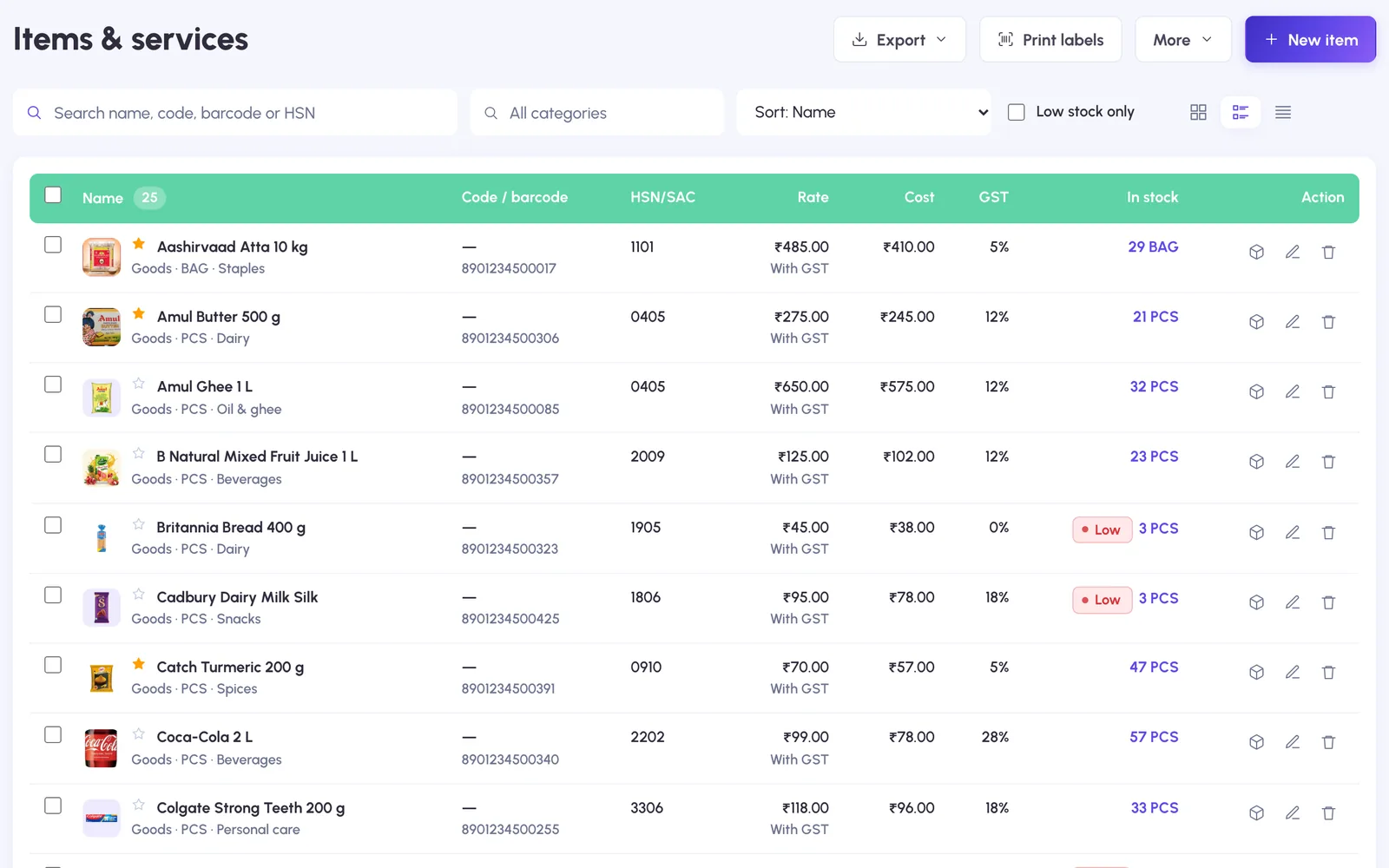
Move your data from Tally
Items, customers and suppliers, with opening stock and balances. No retyping.
- 1
Export your masters from TallyPrime
In TallyPrime press Alt+E, choose Masters and save the XML file.
- 2
Upload the file to BillingPoint
Stock items, customers and suppliers come straight in. Check them and import.
- 3
Start billing
Set your invoice series to continue from your current number and make your first bill.
Why shops move to BillingPoint
Bill from anywhere
The counter computer, a laptop or your phone, with the same data on all of them.
Staff with their own logins
Admin, accountant or view-only, with every change in the activity log.
WhatsApp and UPI
Send the bill as a PDF link and collect by UPI, paid to your bank.
Works offline
The counter keeps billing without internet; the desktop app runs fully offline.
Tally vouchers for your CA
Export sales, purchases and payments for your accountant to import into Tally.
GST returns data
GSTR-1 JSON, GSTR-3B figures and GSTR-2B reconciliation from your own bills.
Can I keep using Tally for accounts?
Yes. Many shops bill in BillingPoint and give their accountant Tally vouchers to import. You can also move fully: BillingPoint has ledgers, trial balance and balance sheet.
What comes across from Tally?
Stock items, customers (sundry debtors) and suppliers (sundry creditors) from the Masters XML export of TallyPrime.
Do I need a server or a license key?
No. The website and phone app need only a browser. If you want a fully offline counter, BillingPoint Desktop installs on the computer.
Can you move my data for me?
Yes. Book a free demo and send us your Tally file; we set up your items and customers before your first bill.
We move your data for you
Book a free demo, send us your Tally or Excel file, and your items and customers are ready before your first bill.